Prepare your setup for print-ready file generation
Verify server requirements, fonts, file upload settings, and colorization before generating your first print-ready files.
Updated April 28, 20265 min read
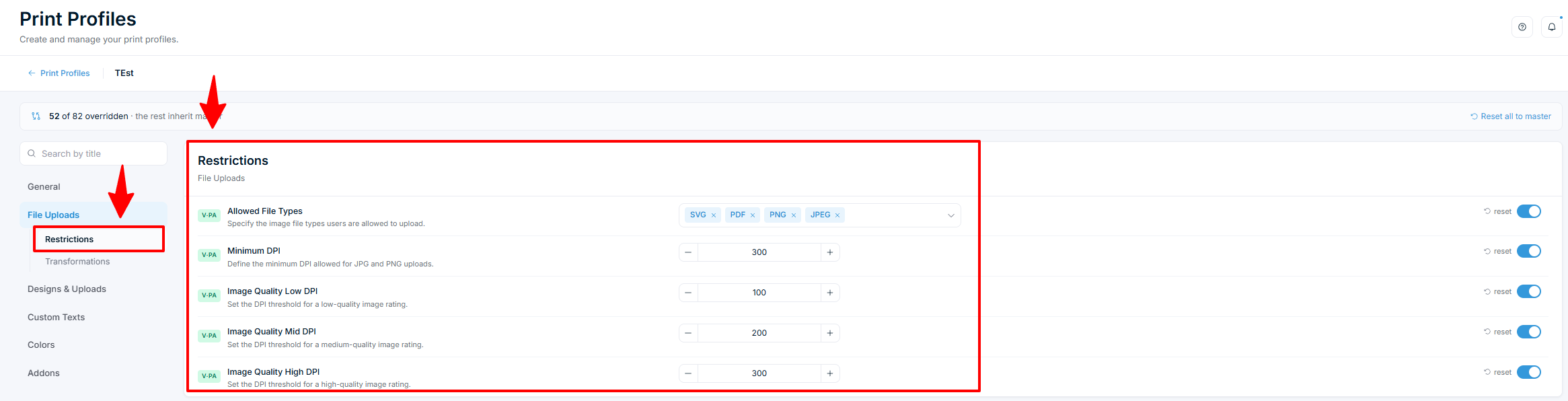
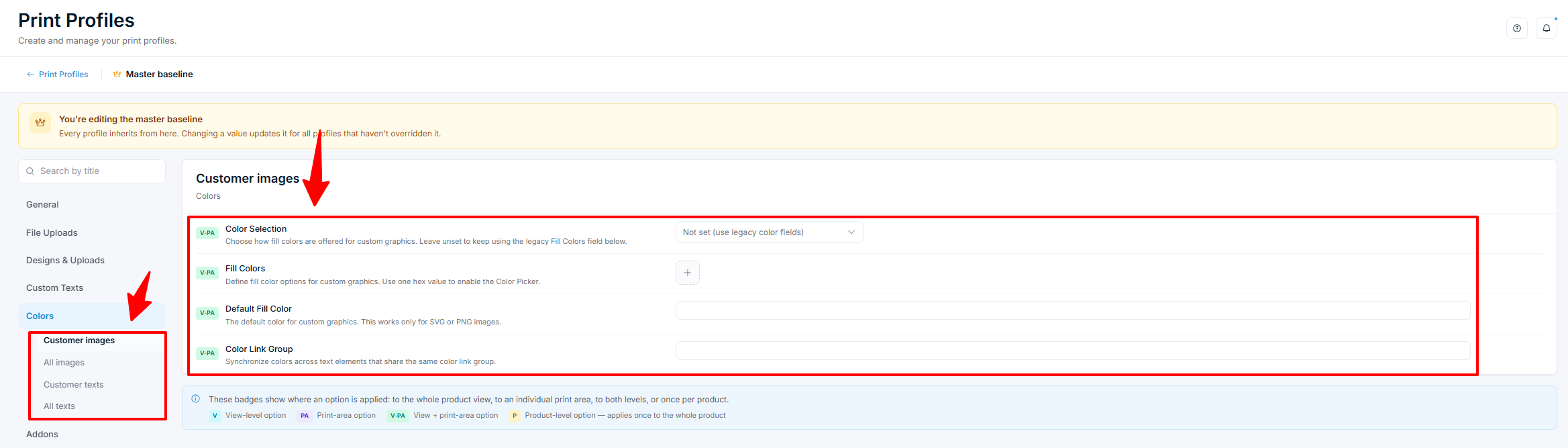
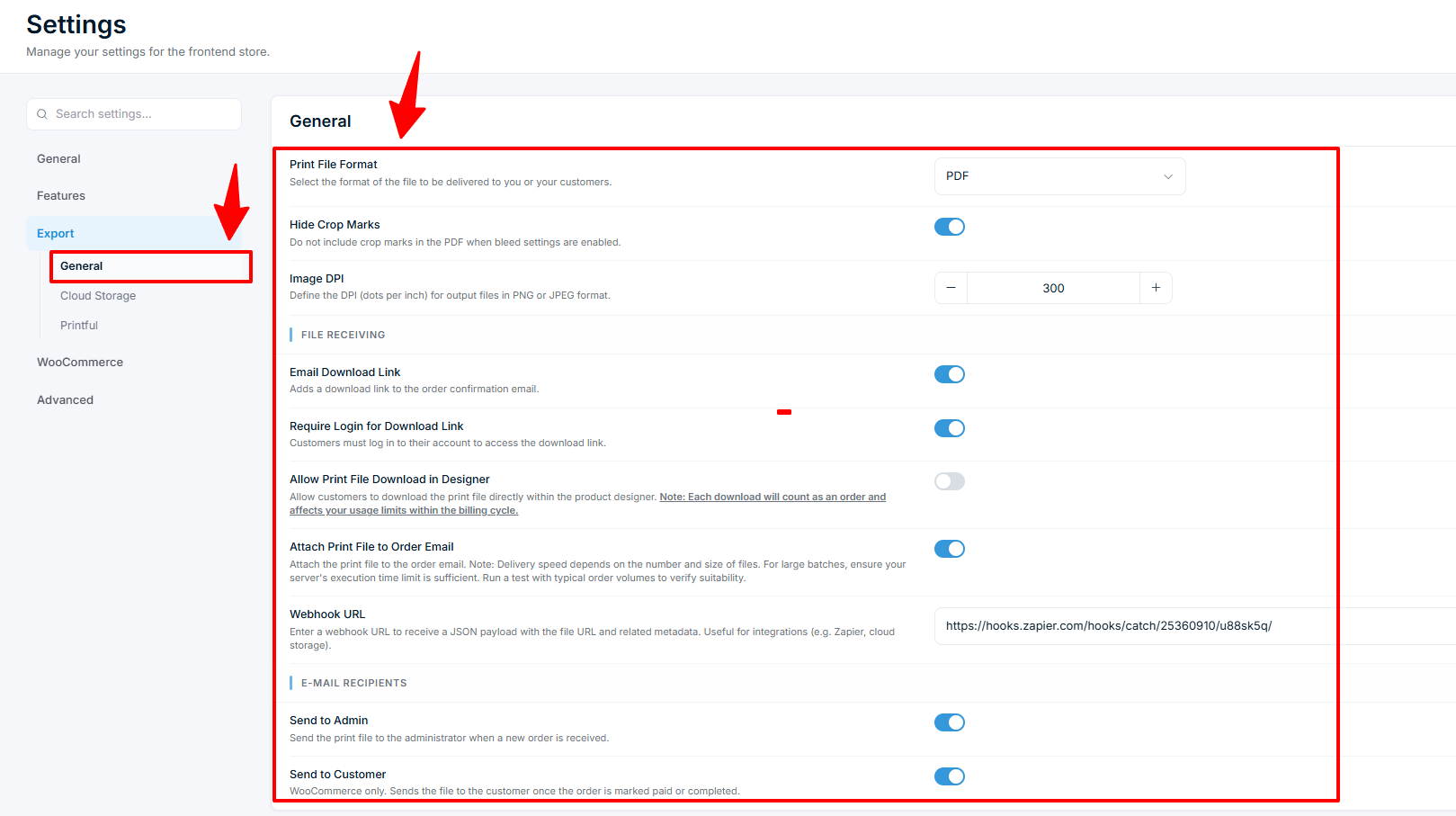
Before you start generating print-ready files, verify that your server meets the requirements and your product configuration produces the results your printer expects. This article walks through each checkpoint.
Before you start
- You have Chamevo installed and activated on your WordPress site.
- You have at least one product with a print area defined in the Product Builder.
- You have access to your hosting control panel or can contact your host for server settings.
Server requirements
Print-ready file generation runs on your WordPress server. Complex designs need more resources than a basic WordPress page.
| Requirement | Minimum | Recommended |
|---|---|---|
| PHP version | 7.0+ | 8.0+ |
| PHP memory limit | 256 MB | 512 MB |
| PHP max execution time | 60 seconds | 300 seconds |
| Post max size | 64 MB | 128 MB |
| PHP extension: Imagick | Required | — |
| PHP extension: ZipArchive |
Related articles
Print-Ready Exports overviewUnderstand how Chamevo generates print-ready files from customer designs, which formats are available, and how files reach your production workflow.Set up print profiles for your production workflowCreate print profiles to control file uploads, element behavior, color options, and module availability across products, views, and print areas.Configure bleed zones and output dimensionsSet up print areas with exact dimensions in millimeters, add bleed zones for trimming, and apply SVG masks for custom shapes.Set default colors and color options in print profilesUse the Color Selection mode and Color Palette picker in the Colors tab to control which colors customers can apply to images and text.