Configure bleed zones and output dimensions
Set up print areas with exact dimensions in millimeters, add bleed zones for trimming, and apply SVG masks for custom shapes.
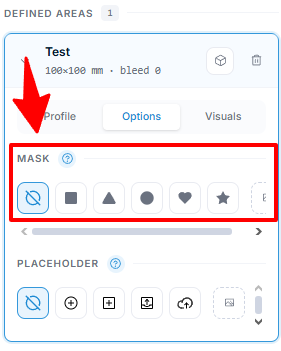
Print areas define the exportable regions of your product. Each print area has dimensions in millimeters, an optional bleed zone, and an optional SVG mask for custom shapes. When Chamevo generates a print-ready file, it exports exactly what is inside the print area — at the dimensions you set.
Before you start
- You have a product created in Chamevo > Products.
- You know the physical dimensions of your print region in millimeters (for example, 210 × 297 mm for A4).
- If using custom shapes, you have an SVG file with a single path.
How print areas and bleed work
A print area is a rectangular region (or masked shape) on the canvas. Everything inside it gets exported. Everything outside it is excluded from the print-ready file.
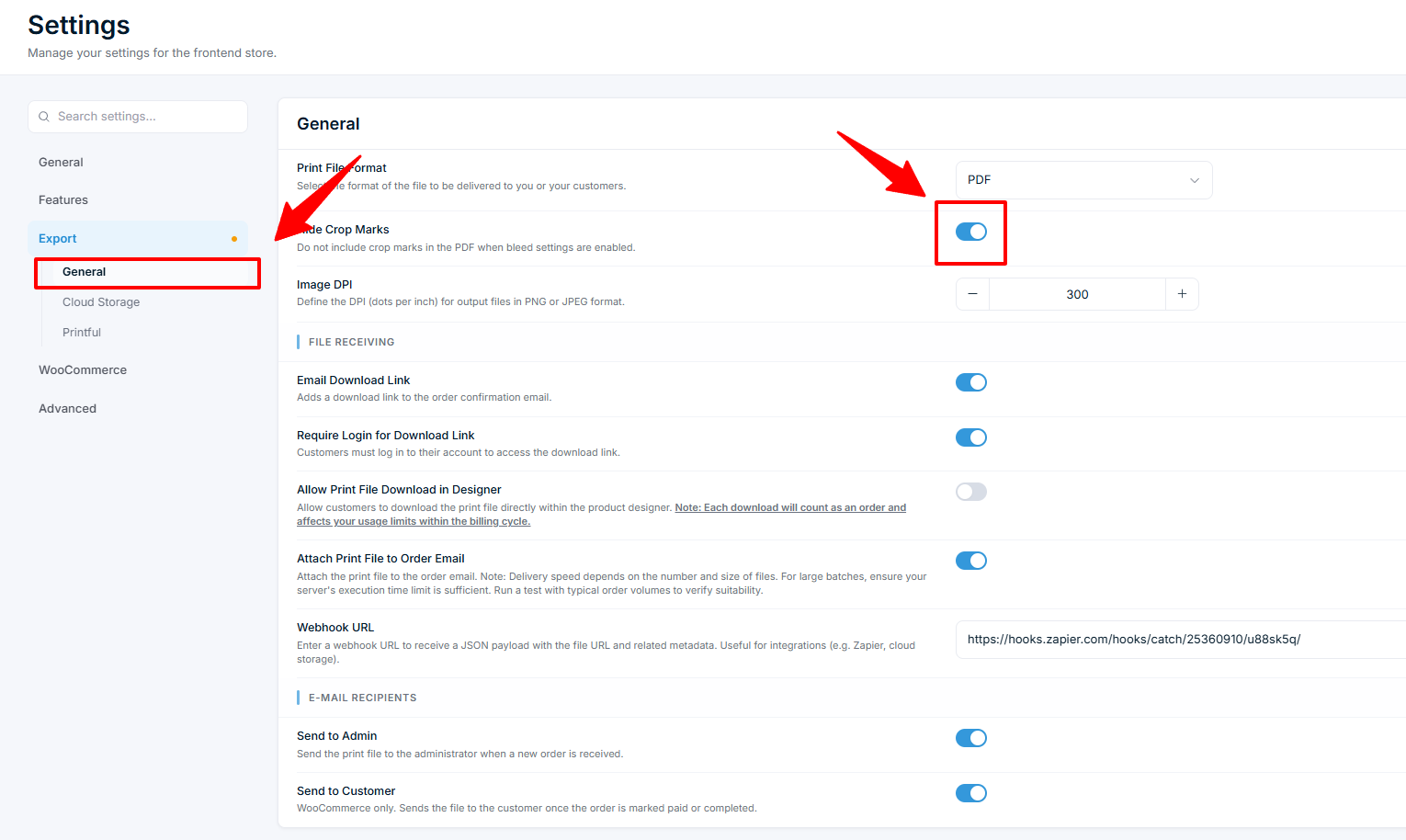
Bleed extends the print area beyond the trim line. Printers need bleed to avoid white edges after cutting. A 3 mm bleed on a 210 × 297 mm area creates a 216 × 303 mm export file. The print-ready file includes crop marks at the corners so the printer knows where to cut.
Steps
Add a print area to a view
- Go to Chamevo > Products.
- Expand the product by its views count and click Edit in Product Builder on a view.
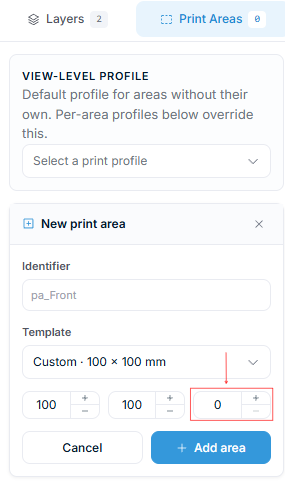
- Open the Print areas tab in the sidebar.
- Click Add print area and enter an identifier (for example, "front" or "back").
- Choose a size template, or enter the Width and Height in millimeters.
- Enter a Bleed value in millimeters (for example, 3).
- Click Add area.
- Click Save view.
The print area appears on the canvas as a bordered region. The bleed zone is shown as a dashed outline around it.
Resize or reposition a print area
- Select the print area in the Print areas tab.
- Click Edit print area on canvas.
- Drag the print area on the canvas to reposition it, or drag the handles to resize it.
- Click Save view.
Repositioning on the canvas does not change the output dimensions. The export file always uses the millimeter values you entered.