Configure cart behavior for customized products
Control how customized products appear in the WooCommerce cart, including custom thumbnails, customization details, and re-edit links.
Updated April 28, 20265 min read
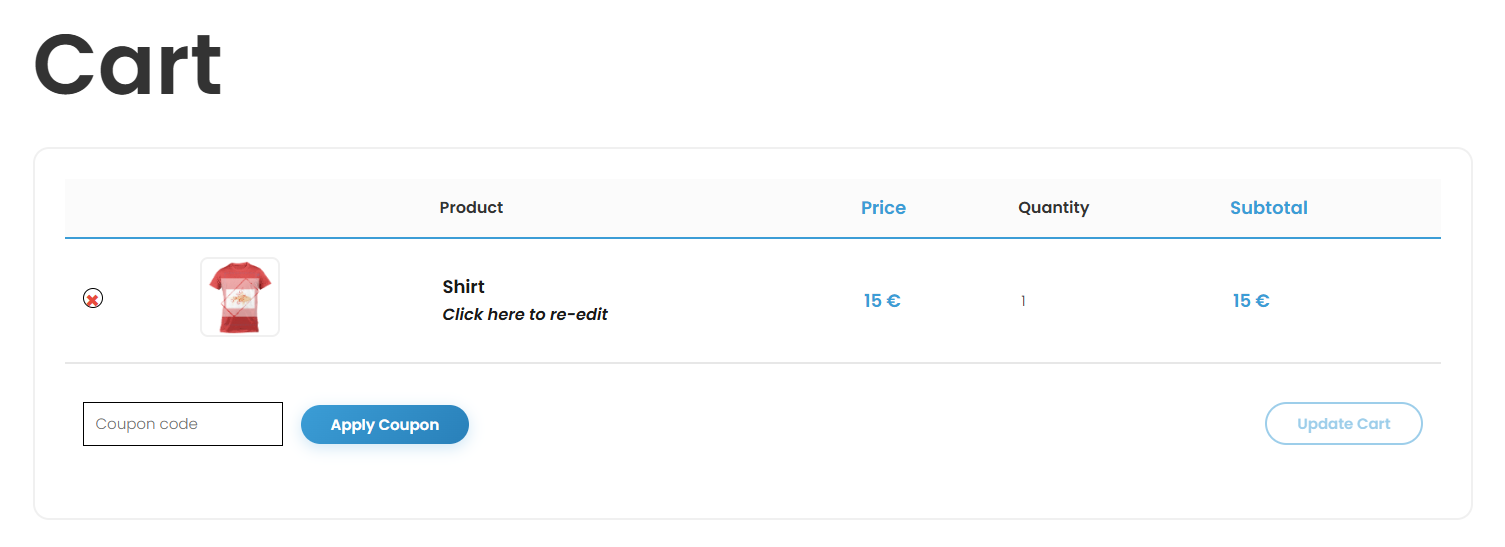
Control how customized products appear in the WooCommerce cart. You can show a custom thumbnail of the customer's design, display customization details like colors and fonts, and provide a link to re-edit the product before checkout.
Before you start
- Chamevo and WooCommerce are active and connected. See Connect your WooCommerce store to Chamevo.
Cart settings
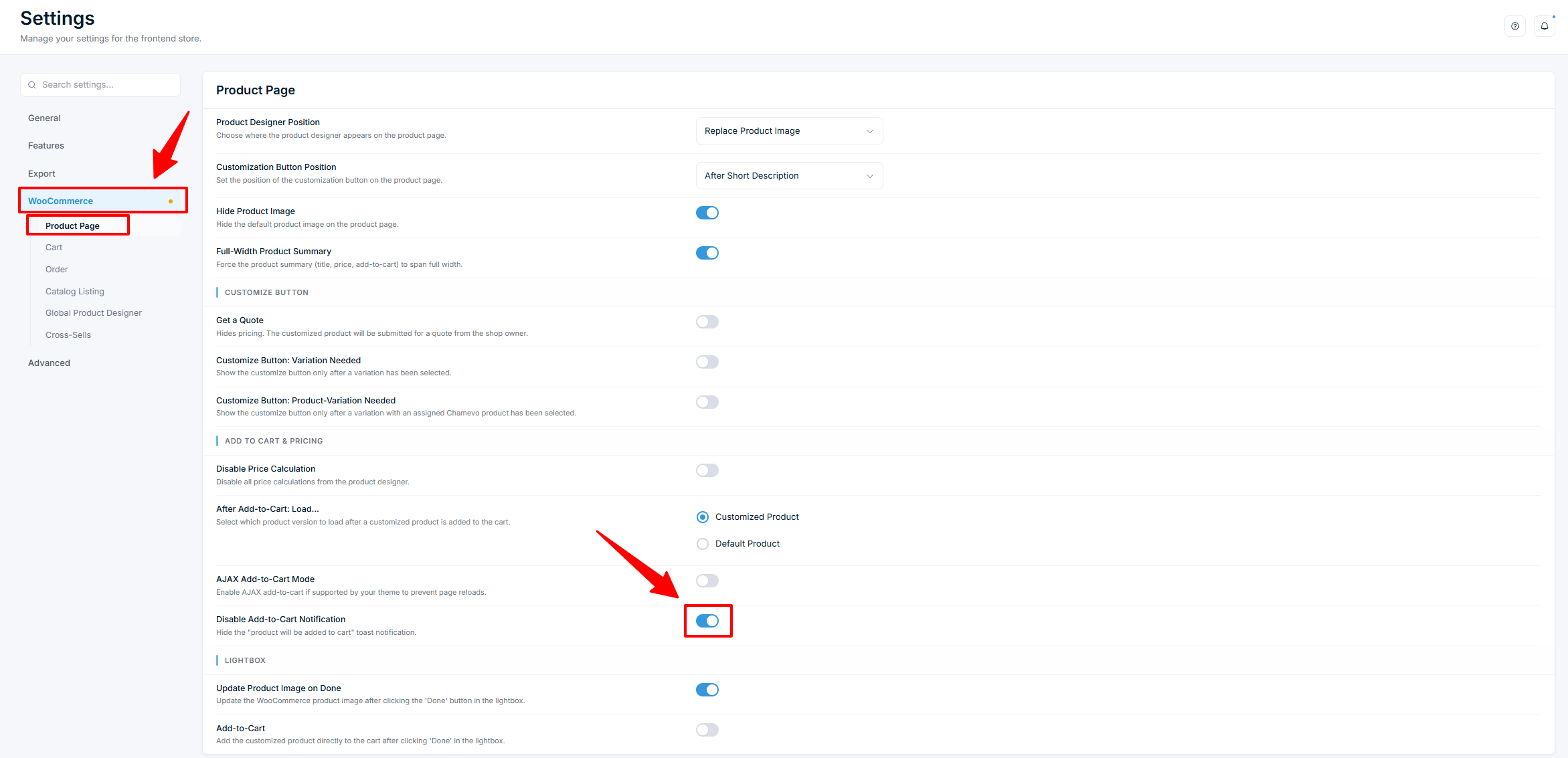
Go to Chamevo → Settings → WooCommerce → Cart.
Show Customization Details in Cart
Controls what product details appear below the product name in the cart.
| Option | What it shows |
|---|---|
| Properties | Color swatches, font family, and text size for each editable element |
| Only Used Colors | Color swatches only — no font or size details |
| No (default) | No customization details |
This helps customers confirm their design choices before checkout.
Customized Product Thumbnail
When enabled, the cart thumbnail shows a snapshot of the customer's actual design instead of the default WooCommerce product image.
| Setting | Default |
|---|---|
| Customized Product Thumbnail | On |
| Thumbnail Width |
Related articles
Connect your WooCommerce store to ChamevoLink your WooCommerce store to Chamevo so that customized products flow through WooCommerce cart, checkout, and order management.Configure the product customizer position on product pagesControl where the product customizer appears on WooCommerce product pages, set the customize button position, and choose between page, lightbox, or button-triggered display modes.Use WooCommerce variations with the product customizerAssign different Chamevo products to WooCommerce product variations so the product customizer changes when a customer selects a different variation.Configure order settings for customized productsControl how customization data appears in WooCommerce orders, customer account pages, and order confirmation emails.