Get started with Chamevo on WordPress and WooCommerce
An overview of what Chamevo adds to your WordPress store, how the platform works, and the steps to go from installation to your first print-ready order.
Chamevo is a product customization platform that lets your customers personalize products — apparel, phone cases, signs, drinkware, and more — with a live visual preview directly on your WordPress or WooCommerce store. Customers design on your site, you receive print-ready files.
This guide gives you the big picture. Each step links to a detailed article.
What Chamevo adds to your store
- Visual Product Customizer — a canvas-based editor your customers use to add text, images, graphics, and colors to your products. Works on desktop and mobile.
- Print-Ready Exports — generate production-quality PDF, PNG, or SVG files with bleed zones and DPI control, processed through Chamevo's cloud export service.
- 3D Visualization — show customers a realistic 3D preview of their design on the product. Available on Growth plans and above.
- AI Tools — background removal, image upscaling, text-to-image generation, and Virtual Try-On. Powered by AI credits included with your plan.
- Dynamic Pricing — adjust pricing based on customization choices like text length, image size, number of colors, or selected materials.
- Order Management — view, review, and export customized orders from your WordPress admin.
How it works
Chamevo runs as a WordPress plugin that connects to the Chamevo cloud platform through a license key.
- You build products in the Chamevo admin — define views (front, back, sides), add elements (text fields, image placeholders, graphics), and set permissions for what customers can change.
- You connect products to WooCommerce product pages (or embed them on any page with shortcodes). Customers see the product customizer when they visit the page.
- Customers customize and order. Their design data is stored with the WooCommerce order.
- You export print-ready files from the order viewer — PDF, PNG, or SVG — and send them to your printer, a fulfillment partner, or cloud storage.
Your Dashboard after activation
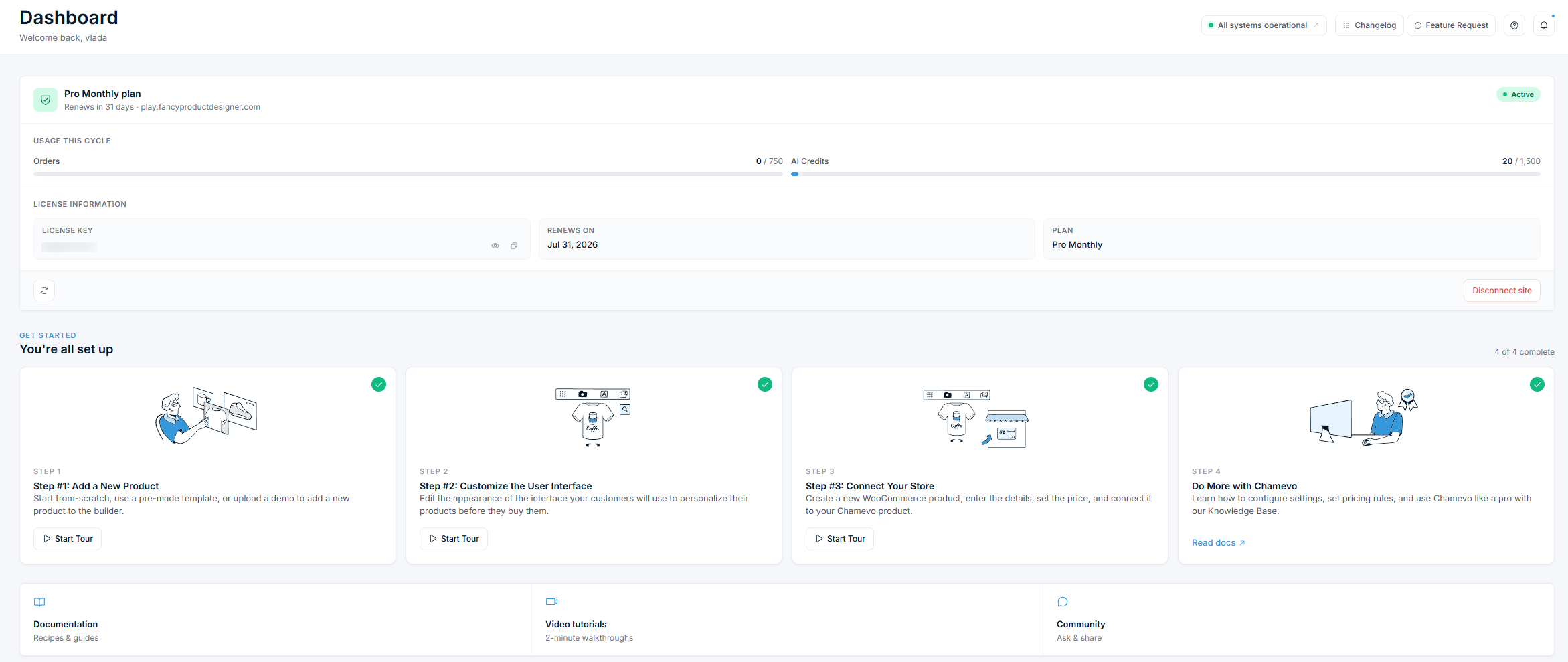
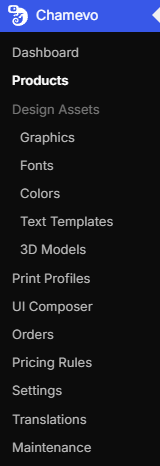
Once your license key is active, Chamevo > Dashboard becomes your home base. It shows your current plan, usage for the billing cycle (orders and AI credits), and your license details.
New accounts also see a Get started checklist with four steps: add a new product, customize the user interface, connect your store, and explore more with Chamevo. Each step links to a short guided tour. Once you complete all four, the checklist shows "You're all set up."