Gebogenen Text, Neon-Text und Gravur-Texteffekte verwenden
Fügen Sie Ihren Produkten gebogene, Neon- oder gravierte Textelemente für dekorative und spezielle Effekte hinzu.
Aktualisiert am 28. April 20265 Min. Lesezeit
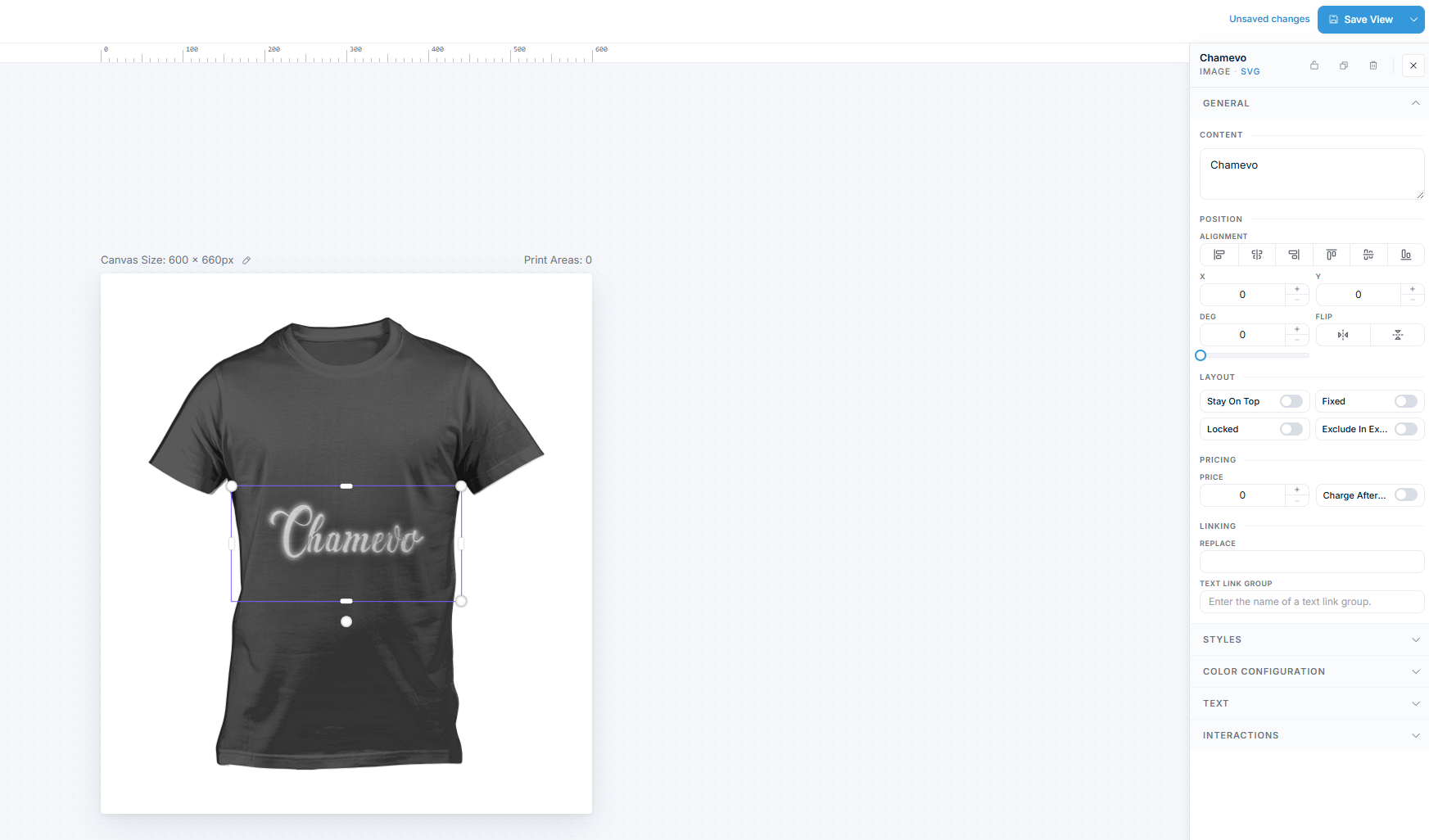
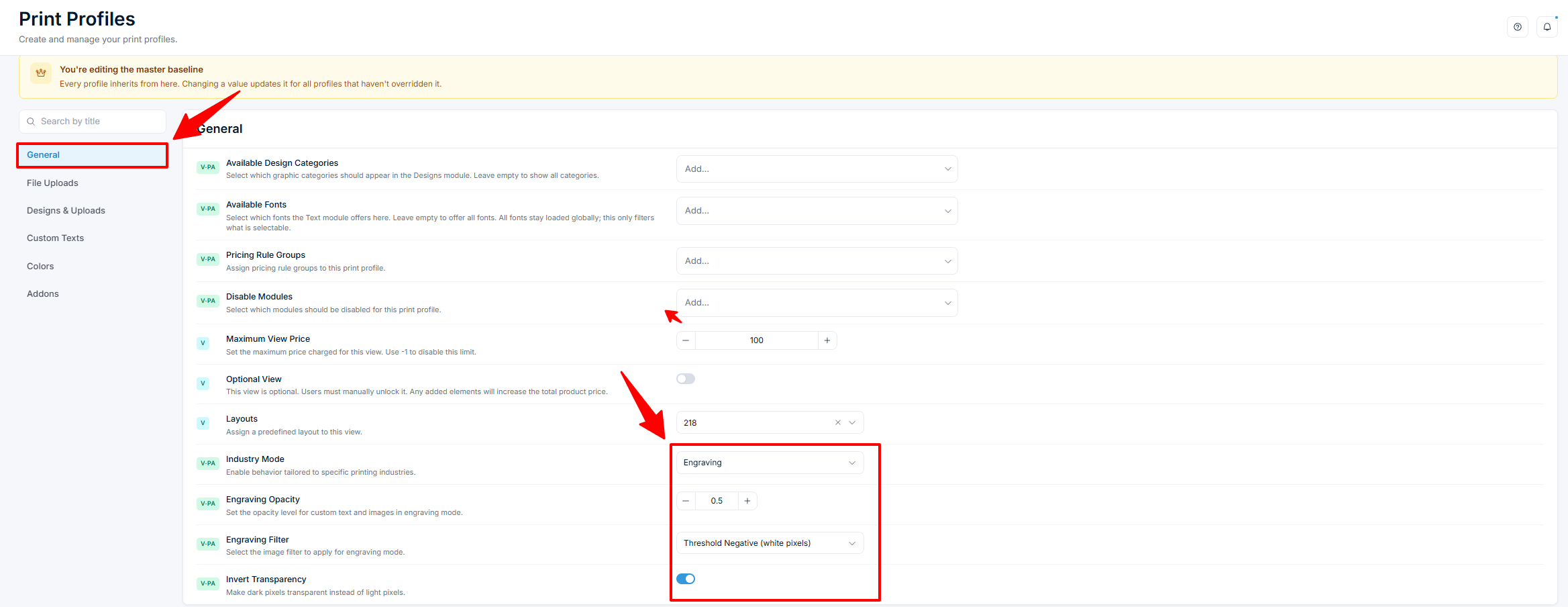
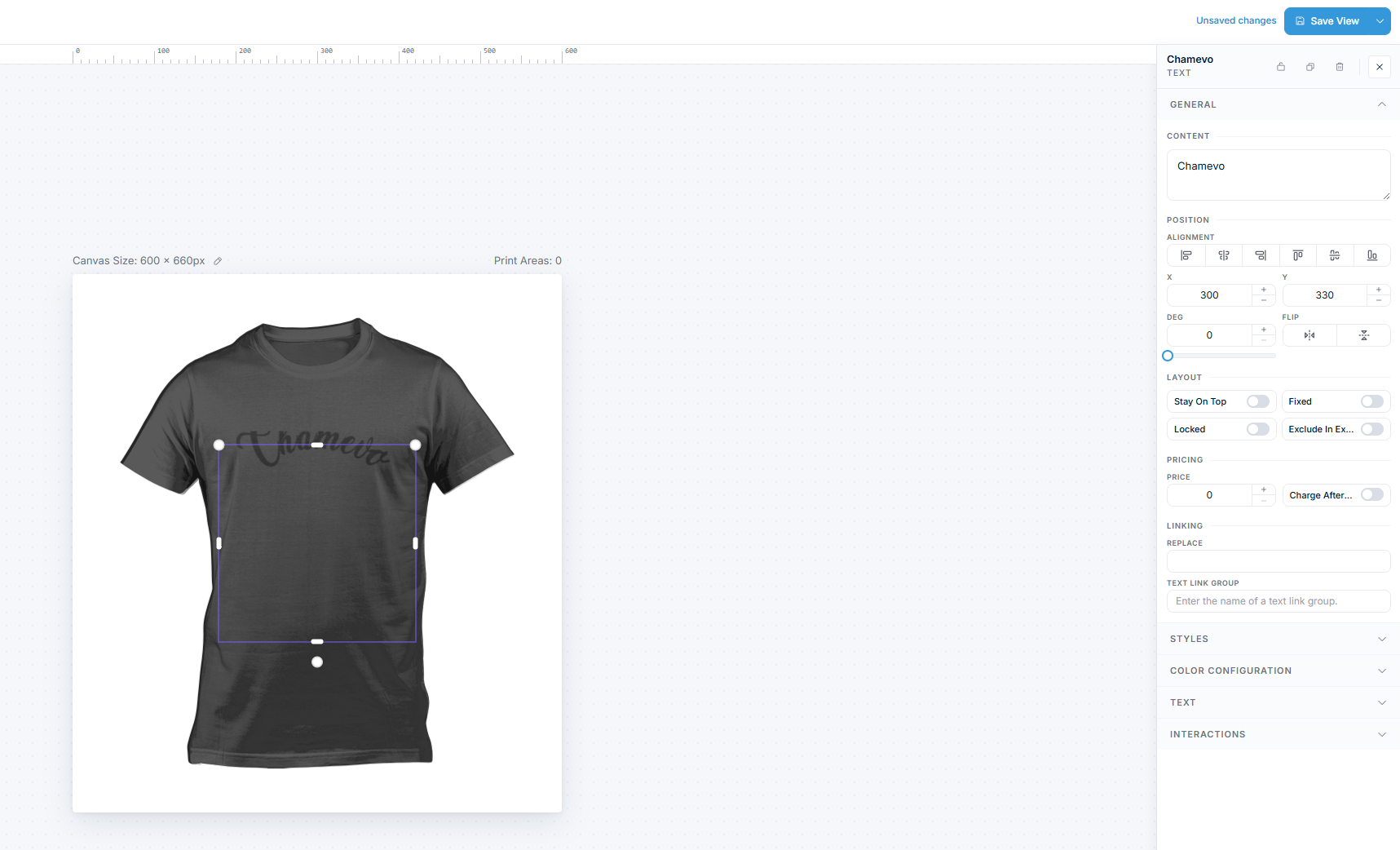
Chamevo enthält spezielle Texttypen über den Standardtext hinaus: gebogenen Text (Curved Text) und Neon-Text. Sie können außerdem einen Gravur-Industriemodus aktivieren, der auf alle Elemente einen gravierten Look anwendet. Jeder erzeugt einen eigenständigen visuellen Effekt, mit dem Kunden im Produkt-Customizer interagieren können.
Bevor Sie beginnen
- Sie haben ein Produkt erstellt mit mindestens einer Ansicht.
- Sie haben Zugriff auf den Product Builder (Chamevo > Products in Ihrem WordPress-Admin).
- Bereiten Sie für Neon-Text ein dunkles Hintergrundbild für die Ansicht vor – der Leuchteffekt ist auf hellen Hintergründen kaum sichtbar.
Gebogener Text (Curved Text)
Gebogener Text verläuft entlang eines kreisförmigen Pfads. Verwenden Sie ihn für Badge-Designs, kreisförmige Logos oder bogenförmige Beschriftungen.
Gebogenen Text im Product Builder hinzufügen
- Öffnen Sie Ihr Produkt im Product Builder (Chamevo > Products).
- Klicken Sie in der Add layer-Toolbar des Layers-Panels auf das Symbol Add Curved.
- Geben Sie Ihren Textinhalt ein. Gebogener Text unterstützt nur eine einzelne Zeile – Zeilenumbrüche werden automatisch entfernt.
- Klicken Sie auf Save view.
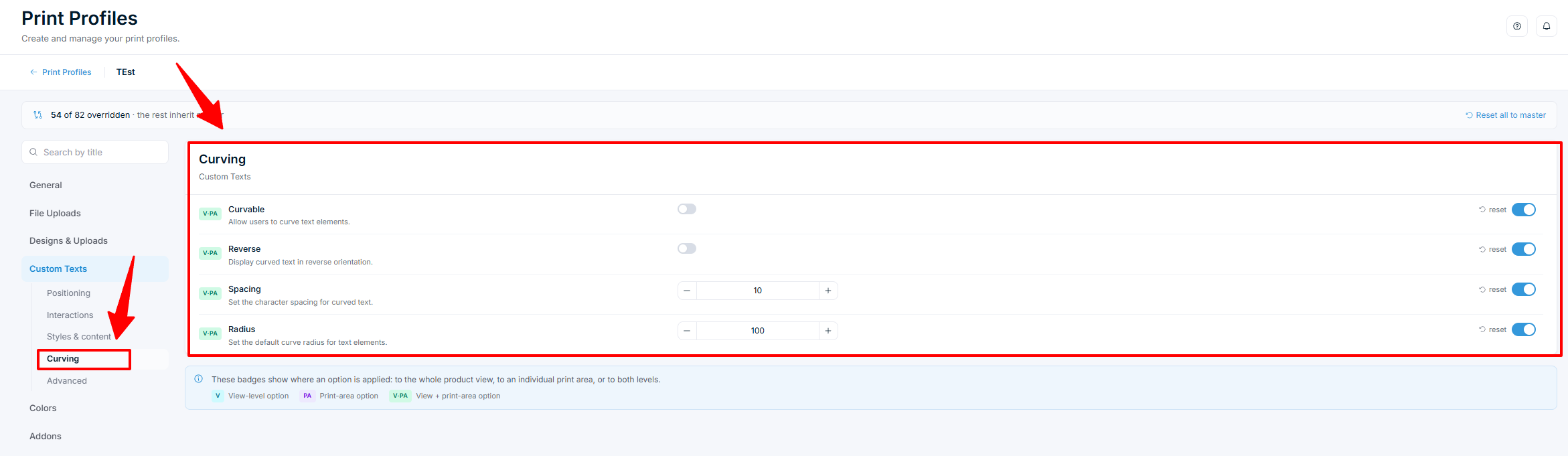
Einstellungen für gebogenen Text
Wählen Sie ein Curved-Text-Element auf der Canvas aus, um dessen Eigenschaften zu sehen. Die wichtigsten Einstellungen für gebogenen Text sind:
| Einstellung | Was sie bewirkt | Wo zu finden |
|---|---|---|
| Curve Radius | Steuert, wie eng die Kurve ist. Kleinere Werte erzeugen eine engere Kurve. Standard ist 80. | Eigenschaften-Panel im Product Builder |
Ähnliche Artikel
Ein Katalogprodukt mit einer Produktvorlage verbindenVerknüpfen Sie ein Katalogprodukt mit einer wiederverwendbaren Produktvorlage, damit die Design-Elemente der Vorlage im Customizer des Katalogprodukts geladen werden.Erstellen Sie Ihr erstes personalisierbares ProduktErstellen Sie ein Chamevo-Produkt, fügen Sie Ansichten hinzu, konfigurieren Sie Elemente im Product Builder und testen Sie den Produkt-Customizer in der Vorschau.Produktansichten einrichten (Vorderseite, Rückseite, Seiten)Fügen Sie Produktansichten hinzu, konfigurieren und ordnen Sie sie, um jede personalisierbare Oberfläche Ihres Produkts abzubilden.Verwenden Sie den Product Builder, um Personalisierungsbereiche zu gestaltenLernen Sie die Product-Builder-Oberfläche kennen – Canvas, Modul-Panel, Element Options, Druckbereiche und Tastenkombinationen zum Erstellen personalisierbarer Produkte.