3D Visualization overview
Learn how 3D Visualization lets customers rotate, zoom, and inspect their customized designs on realistic product models in real time.
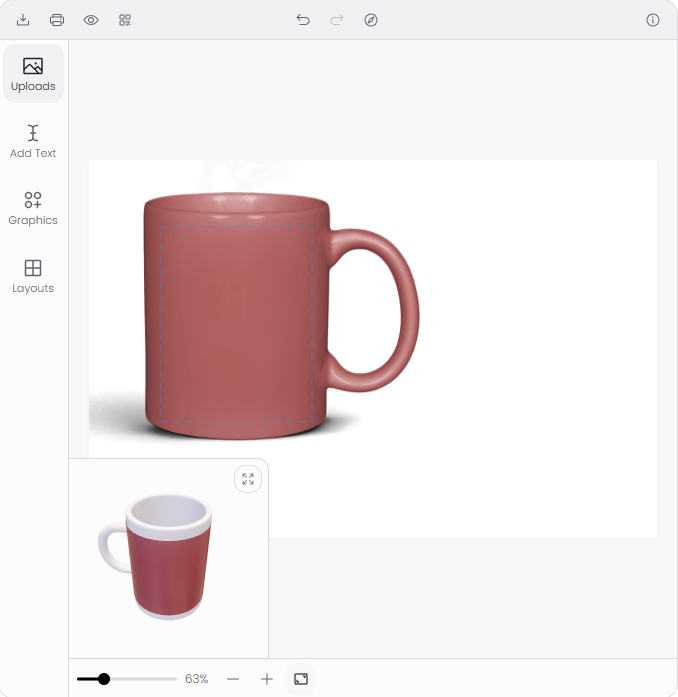
3D Visualization shows customers their customized design applied to a realistic, interactive product model. Customers can rotate, zoom, and inspect the product from every angle — before they buy. This replaces flat mockup images with a live 3D preview that updates in real time as the customer edits text, uploads images, or changes colors.
What 3D Visualization does
The product customizer renders the customer's design onto a 3D model of your product. Every change the customer makes — adding text, swapping graphics, adjusting colors — appears on the model instantly.
Customers interact with the 3D preview using:
- Rotate — click and drag (or swipe on mobile) to spin the product.
- Zoom — scroll (or pinch on mobile) to zoom in and out.
- Pan — right-click and drag to reposition.
The 3D model is a separate visual layer. The actual design canvas (where customers add and edit elements) remains flat. The 3D preview reads the canvas content and applies it as a texture to the model surface.
How it works
- You install a 3D model package (FBX format) from the 3D Models page (Chamevo → 3D Models).
- You assign the model to a product in the Product Builder.
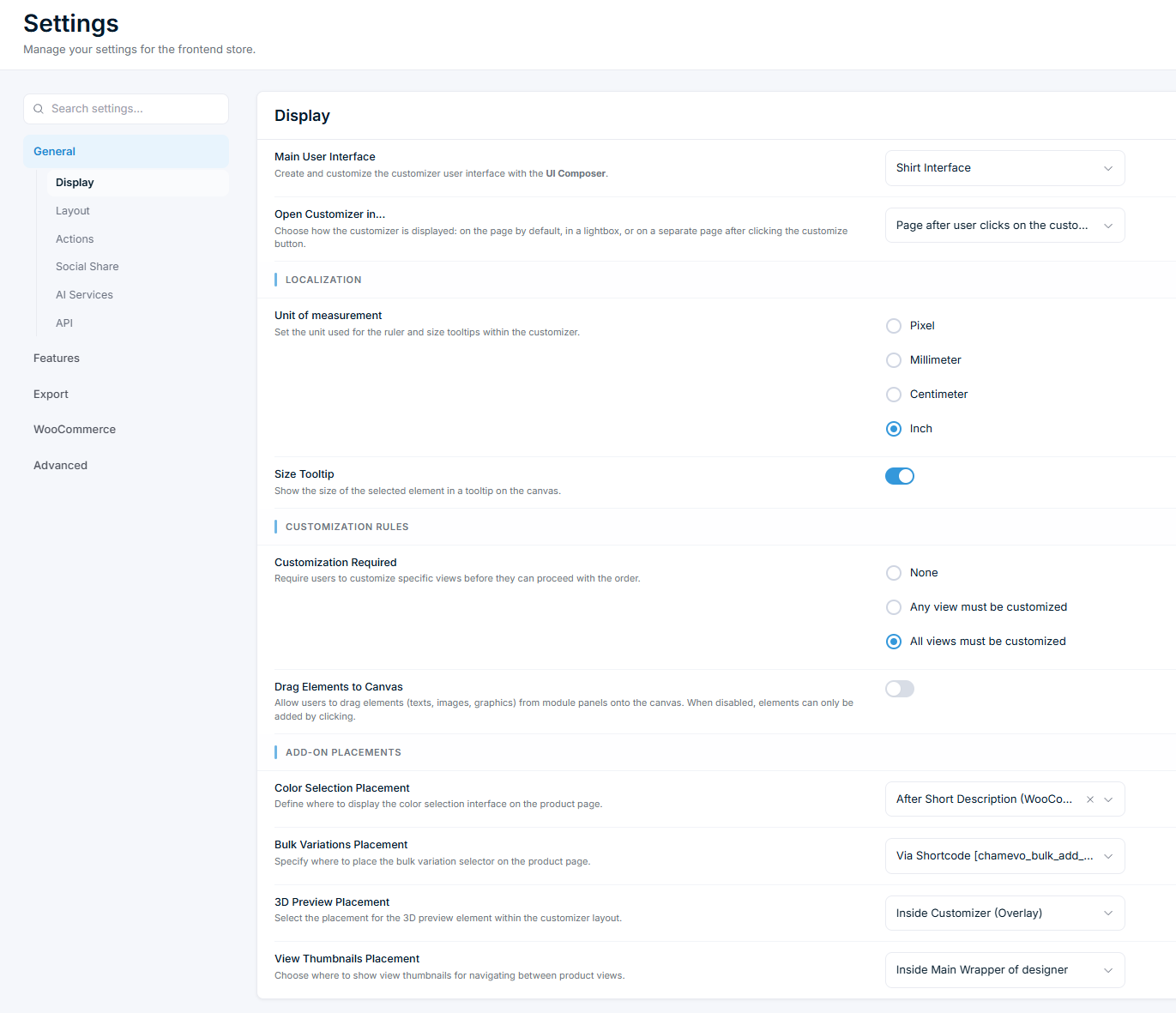
- When a customer opens that product, the 3D preview loads alongside the design canvas.
- As the customer edits the design, the preview updates automatically.
The 3D engine uses Three.js (loaded on demand — it does not affect page load for products without 3D models). Each model includes:
- An FBX file (the 3D geometry).
- An HDR environment map (realistic lighting and reflections).
- A config.json file (model settings: print area dimensions, material properties, camera position).
What you need
| Requirement | Details |
|---|---|